iSMS Customer Support
Everything you need to get started — from registration to sending your first bulk SMS.
How to Use iSMS — 4 Easy Steps
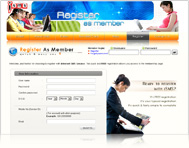
Register
Create your free iSMS account. Registration takes under 2 minutes — no credit card required.
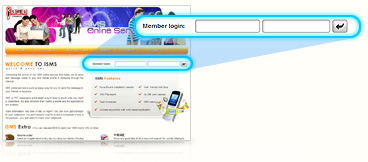
Log In
After purchasing credits, log in to your iSMS member portal to access your account.
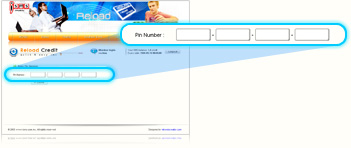
Reload Credits
Enter your 16-digit reload PIN received by email into the SMS Credit Reload section.
Send SMS
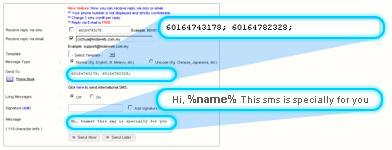
Compose your message, select recipients, and send. Your SMS is delivered in real time.
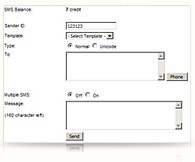
Personalised SMS
Step 1 — Add Contacts to Address Book
Register and add your contacts to the iSMS Address Book with their name and mobile number. This allows you to send personalised messages that include the recipient's name.
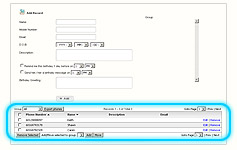
Step 2 — Use the %name% Placeholder
When composing your SMS, use %name% in your message body. iSMS will automatically replace it with each recipient's name from your Address Book — creating a personalised experience at scale.
Example: Hi %name%, your appointment is confirmed for 3pm.