Cloud PBX + WhatsApp Business API
with AI Reply
Move callers from your phone line to WhatsApp, let AI answer from your own information in seconds, and hand over to your team when needed — no new app required for your customers.
WhatsApp Business API messages are charged per message in all four categories — Marketing, Utility, Authentication/OTP and Service. Rates depend on the category and destination country.
🤖 WhatsApp AI Reply — no extra AI fee. Each AI reply is a standard service message. View MYR Rates
Step-by-Step: Cloud PBX → WhatsApp → AI → Agent
Our integrated solution connects your Cloud PBX IVR to the WhatsApp Business API and WhatsApp AI Reply. When a caller selects a menu option, the system ends the call and starts a WhatsApp chat — where AI answers from your own information.
| Step | Description |
|---|---|
| 1 | Incoming Call (Cloud PBX IVR): Caller dials your main number. IVR options: 7 = Agent, 8 = SMS & WhatsApp Business API, 9 = Cloud PBX Info. |
| 2 | Call Ends & WhatsApp Initiates: After selection, Cloud PBX drops the call and auto-sends a WhatsApp message to the caller's number. |
| 3 | Auto Greeting: User receives a WhatsApp greeting (approved template) with next steps and quick-reply hints. |
| 4 | AI Answers: User asks questions in WhatsApp. AI Reply answers in a few seconds from your knowledge base — PBX help, product info, support, etc. If the answer isn’t there, it sends your fallback message instead of guessing. |
| 5 | Type "MENU" (or "EXIT", "0") at any time to bring back the numbered menu of topics. |
| 6 | Pick a topic from the menu — e.g. Cloud PBX help — or just ask. Each topic has its own knowledge base, and the AI searches the right one for each question. |
| 7 | Type "AGENT" (or “staff”, “human”) or choose “Talk to our team” to reach a person. The AI stops for that customer. |
| 8 | Agent Takeover: Your staff continue in the iSMS Conversation inbox, in the same WhatsApp chat. While your staff reply, the AI stays paused for that customer. |
Why Cloud PBX + WhatsApp + AI?
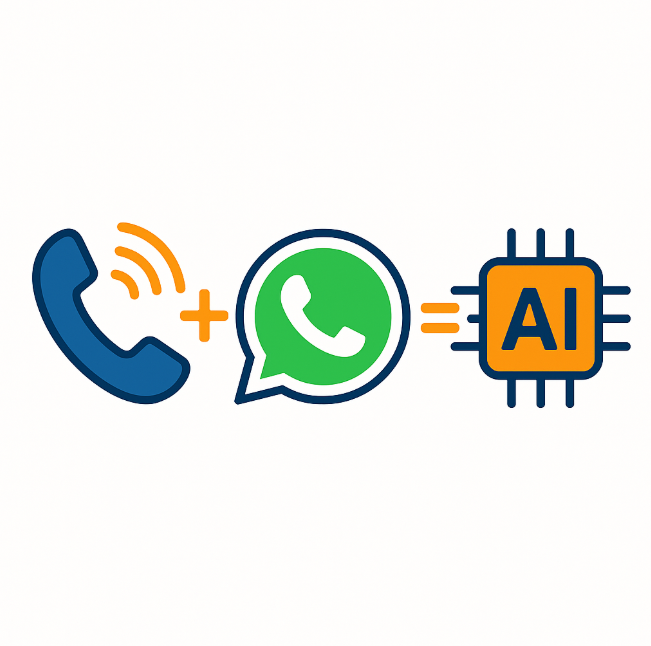
Unified Voice + WhatsApp + AI
Connect your IVR to WhatsApp. Callers continue on WhatsApp and get AI answers 24/7 — even when your lines are busy.
Smooth Agent Handover
Type AGENT at any time to reach a person. The conversation stays in one WhatsApp chat, visible to your team in the Conversation inbox.
Official WABA Channel
Runs on your official WhatsApp Business API number, with WhatsApp-approved templates for the first message after the call.
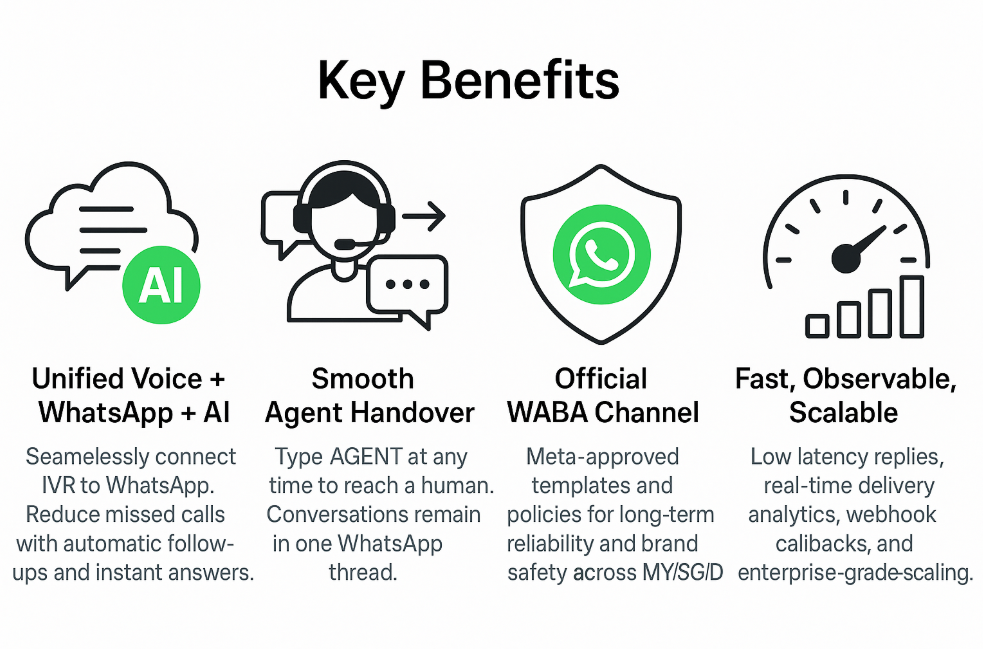
Fast & Fully Logged
AI replies in about 1–3 seconds. Every AI answer is logged in your portal, with a list of questions the AI couldn’t answer.
Sample WhatsApp Messages
| Type | Example Message |
|---|---|
| Initial Greeting | Hi {{name}}, thanks for calling {{brand}}. You selected WhatsApp Support. Ask your question, reply MENU to view options, or AGENT to chat with our team. |
| MENU | Please reply with a number: 1) Billing 2) Technical Support 3) Cloud PBX Help 4) Talk to our team |
| AGENT Handover | Thanks! Transferring you to a {{brand}} agent now. Please hold — our team will reply shortly in this thread. |
Add WhatsApp + AI to Your Phone Line
Talk to us about connecting your Cloud PBX to WhatsApp. AI Reply runs on your own WhatsApp Business API number with iSMS — we can help with templates and knowledge base setup.
💬 WhatsApp +6016 450 2380 · 📞 1800 87 7061 · KL +603 2780 3880 · PG +604 2024 033 · [email protected]