How to Reload iSMS Credits
Step-by-step guide to reloading your SMS credits using your 16-digit PIN. Takes less than 2 minutes.
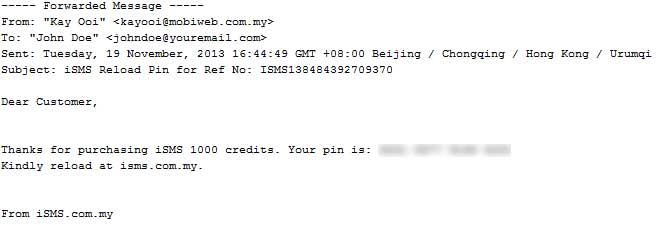
Check Your Email for the Reload PIN
After purchasing SMS credits, iSMS will send your 16-digit reload PIN to your registered email address within 1–6 working hours. Check your inbox, spam, and junk folder.
If you haven't registered yet, register a free account here.
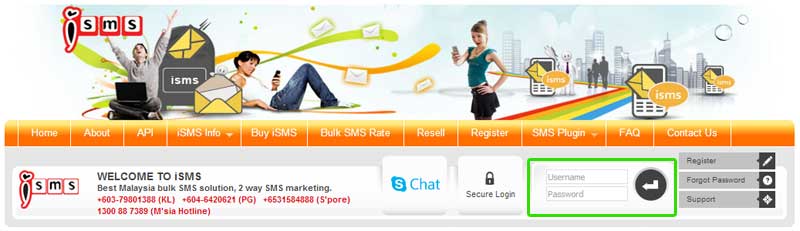
Log In to the iSMS Member Portal
Go to the iSMS member portal and log in with your username and password.
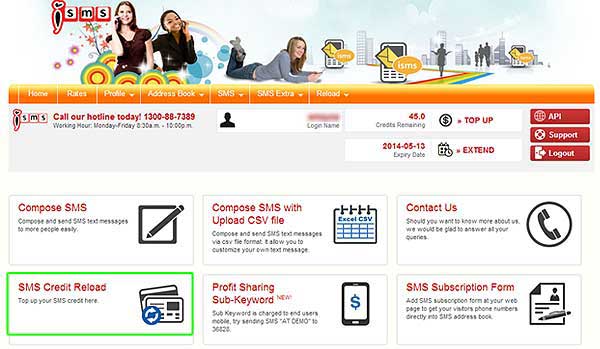
Click "SMS Credit Reload"
Once logged in, navigate to the SMS Credit Reload section from the main menu.
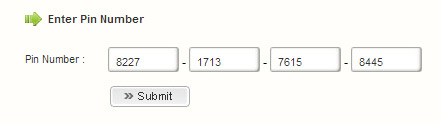
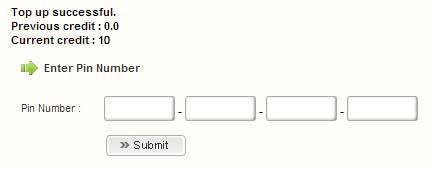
Enter Your 16-Digit Reload PIN
Key in your 16-digit reload PIN exactly as provided in the email, then click "Submit".
Credits Reloaded — You're Ready to Send!
Your SMS credits will be immediately added to your account balance. You can now start sending bulk SMS messages.
Need more SMS credits? Purchase a credit package or contact us if you need assistance.
Buy SMS Credits → Contact Support